The shopping list and AI Chef of the future.
Shop it. Cook it. In one app.
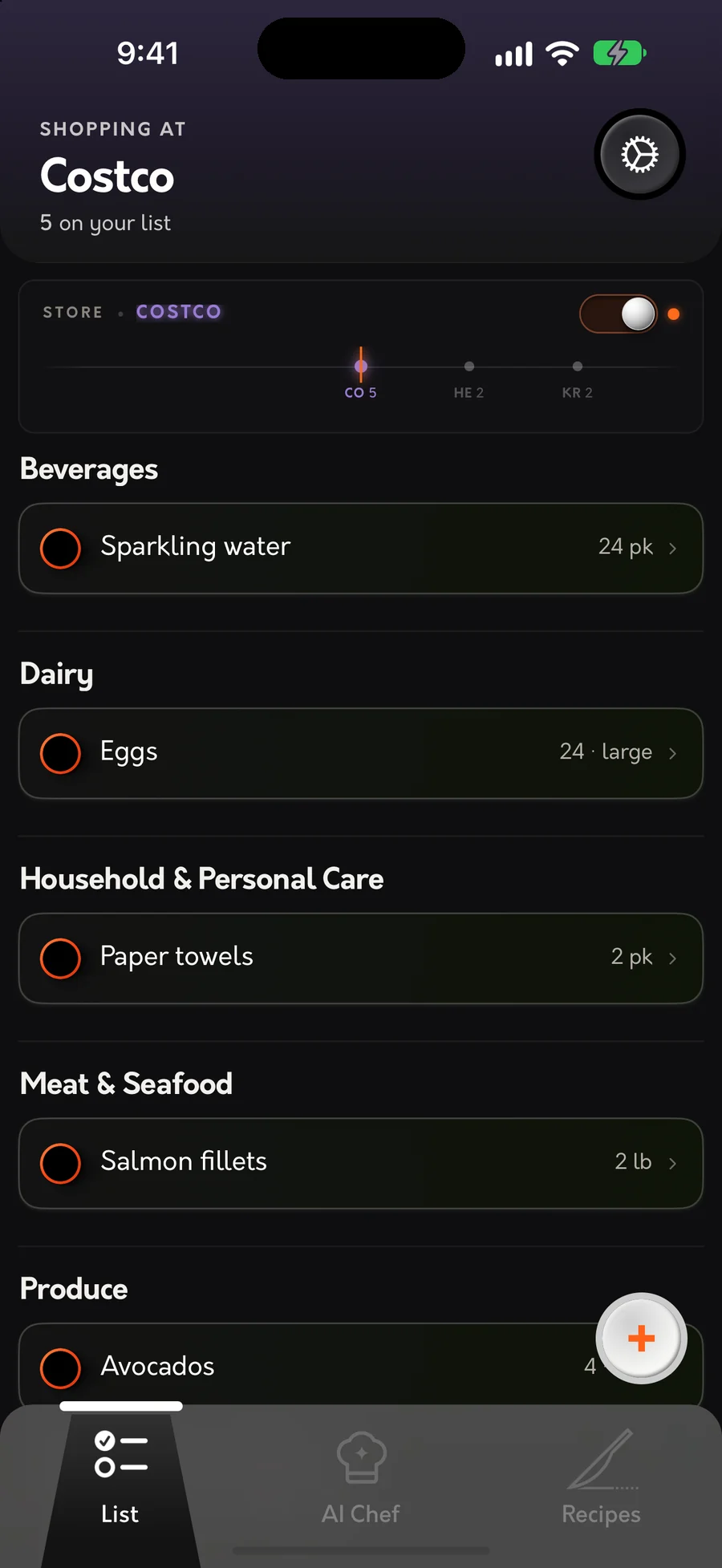
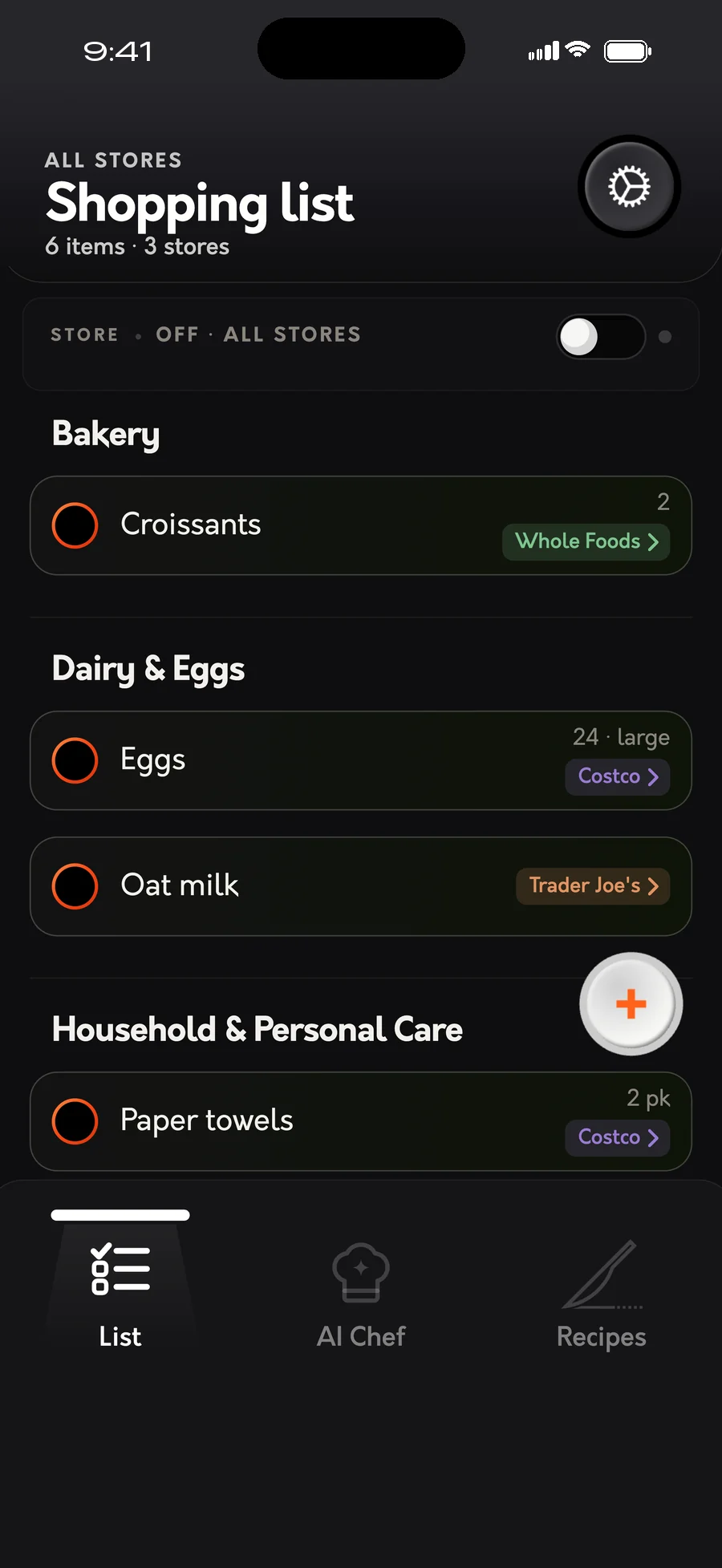
Just type. It’s sorted. GrocGo finds every item’s aisle by itself and tags it with the store you pick.
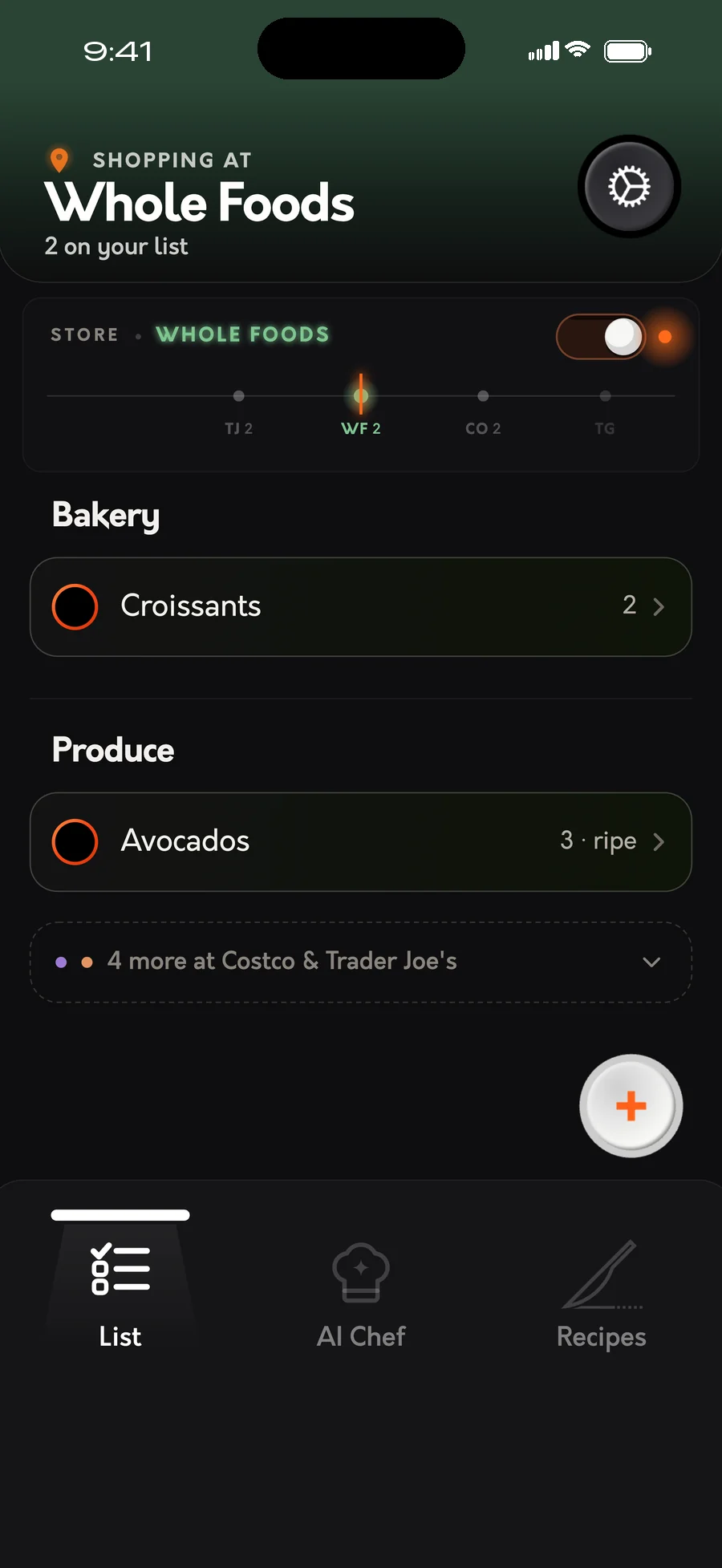
Walk in. Your list is ready. Walk into a store you saved and GrocGo switches your list to it by itself: only what to buy there, with nothing to tap.
Tune in. Your store. Or slide the tuner to any store yourself and see only what to buy there. The rest folds away.
Custom meals for your budget. Your personal AI Chef plans 10 recipes for your budget, servings and diet, each with its estimated cost.
Recipes made your way. Pick your main ingredient and your personal AI Chef writes up to 10 recipes, sized for your servings.
Any recipe link, imported. Paste a link from a recipe website or a video, or pick a cooking video from your Photos, and your AI Chef writes it up as a recipe.
Your cookbook. Every recipe you save in one place, with its photo, ingredients and steps.
Know the cost. And the calories. See what a recipe costs, plus its calories, protein, carbs and fat.
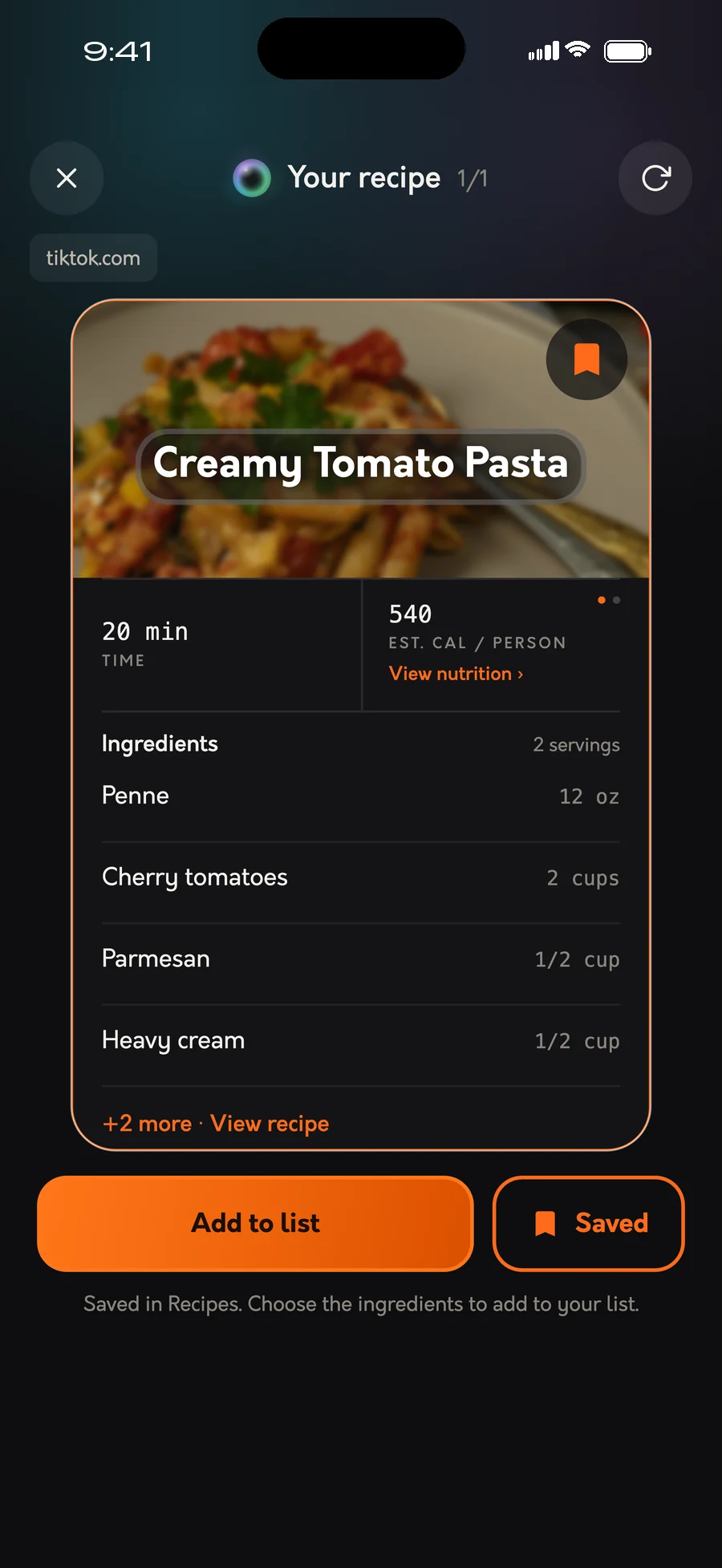
From recipe to shopping list. Tick the ingredients you need and they land on your list, sorted by aisle.
Cook it. Step by step. Big, clear steps with timers built in, and GrocGo can read each one aloud.
Walk in. Your list is ready.
GrocGo knows the stores you save. Walk into one and your list tunes itself to it: only what to buy there, with nothing to tap.
From social media to your recipes.
See a recipe you love on TikTok, Instagram or YouTube? Share it to GrocGo and your AI Chef turns it into a recipe in your cookbook.
- 1Tap ShareOn a cooking video in TikTok, Instagram or YouTube.
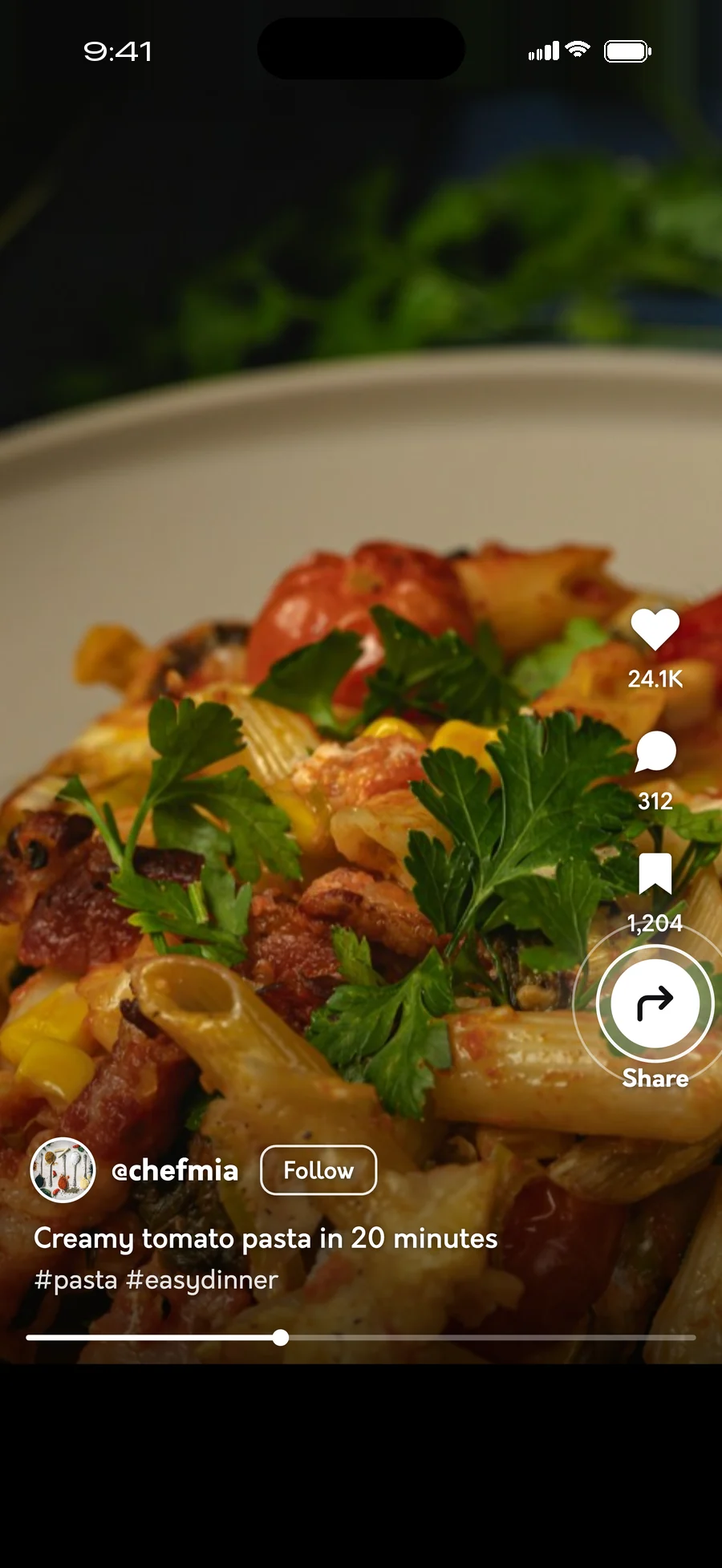
- 2Pick GrocGoNo copying, no pasting.
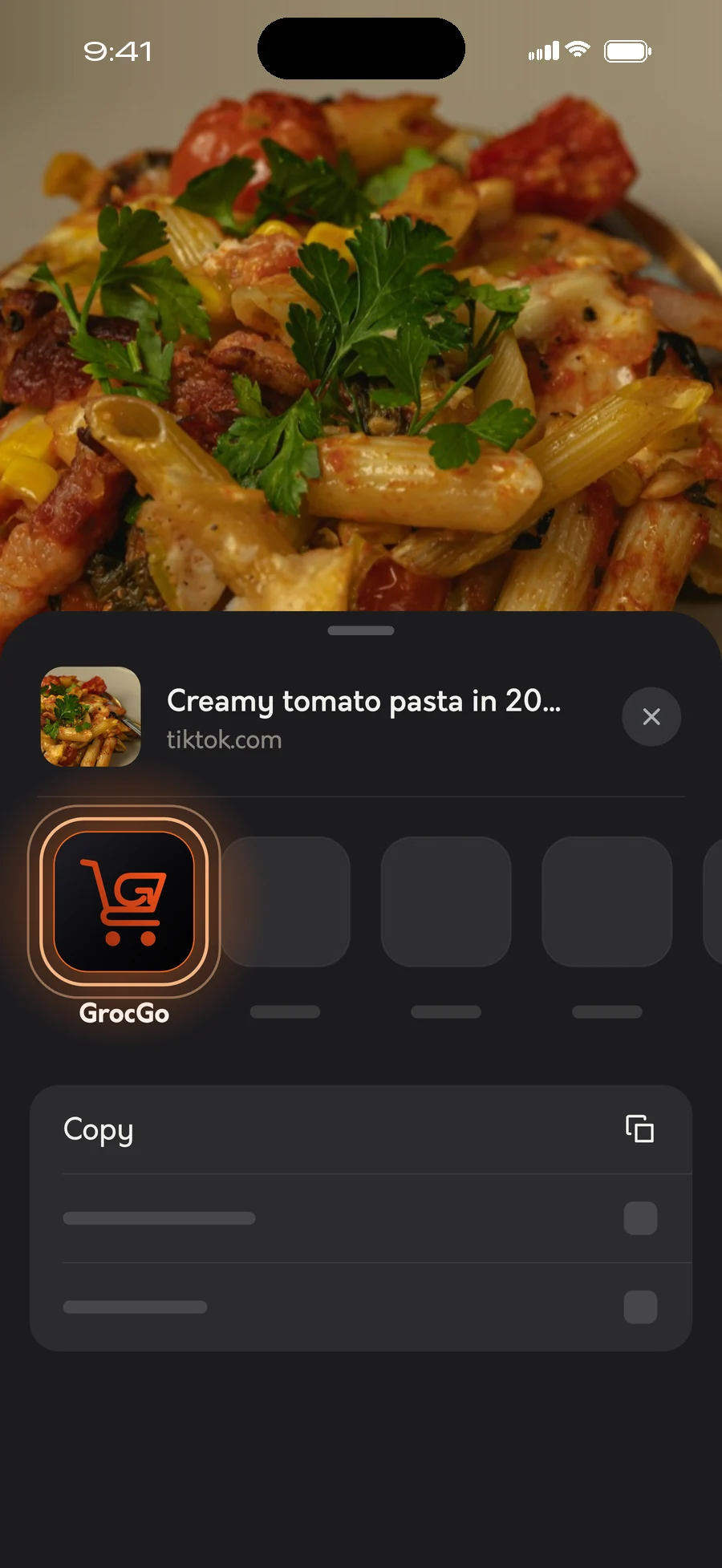
- 3GrocGo opens by itselfYour link is already in.
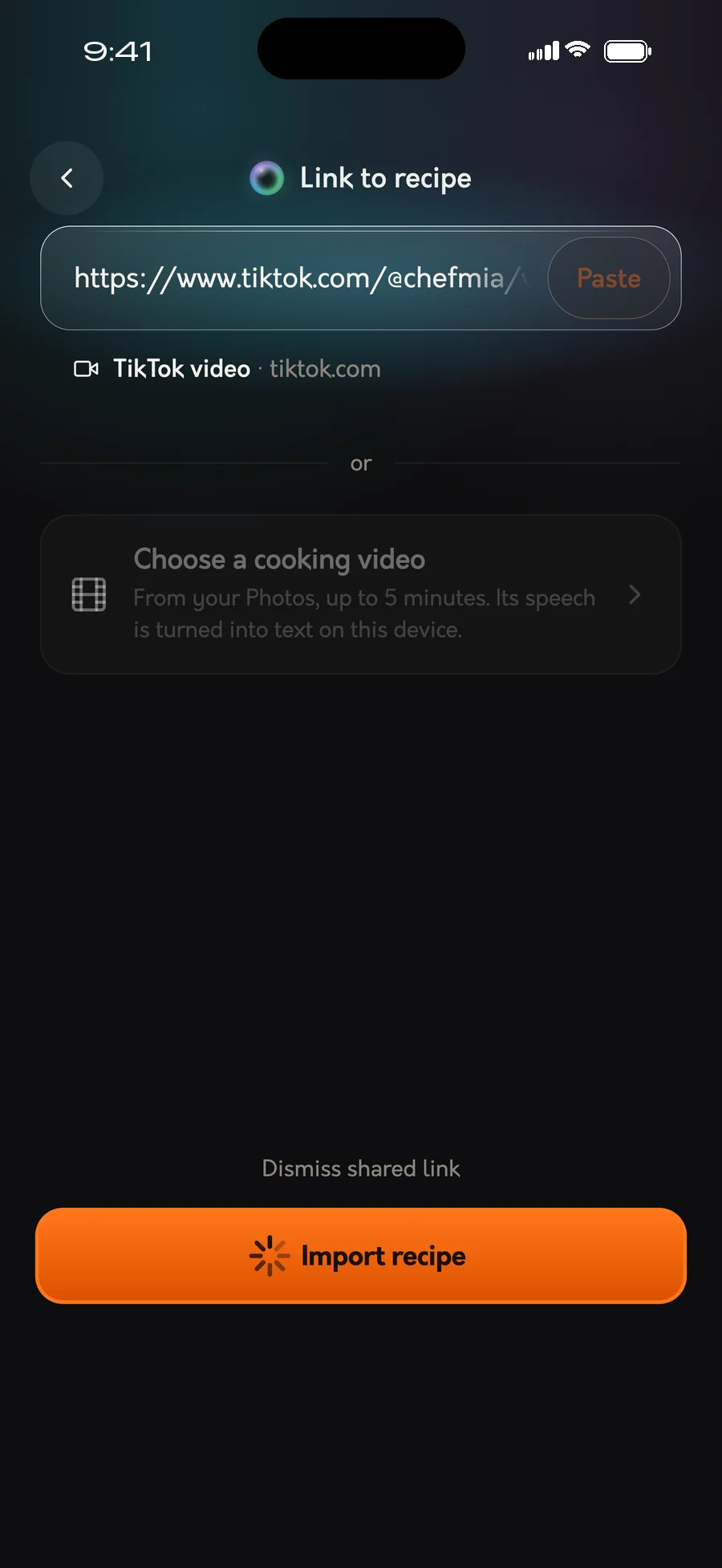
- 4Your recipe arrivesWith its photo, ingredients and steps, saved for you.
Watch the GrocGo film.
Everything GrocGo does, in one film.
Take a tour of each part.
A narrated walk through the List, AI Chef and Recipes.
iPhone Duo
Closed or open. It fits.
GrocGo is ready for iPhone Duo: the app you know when it’s shut, two panes when it’s open.
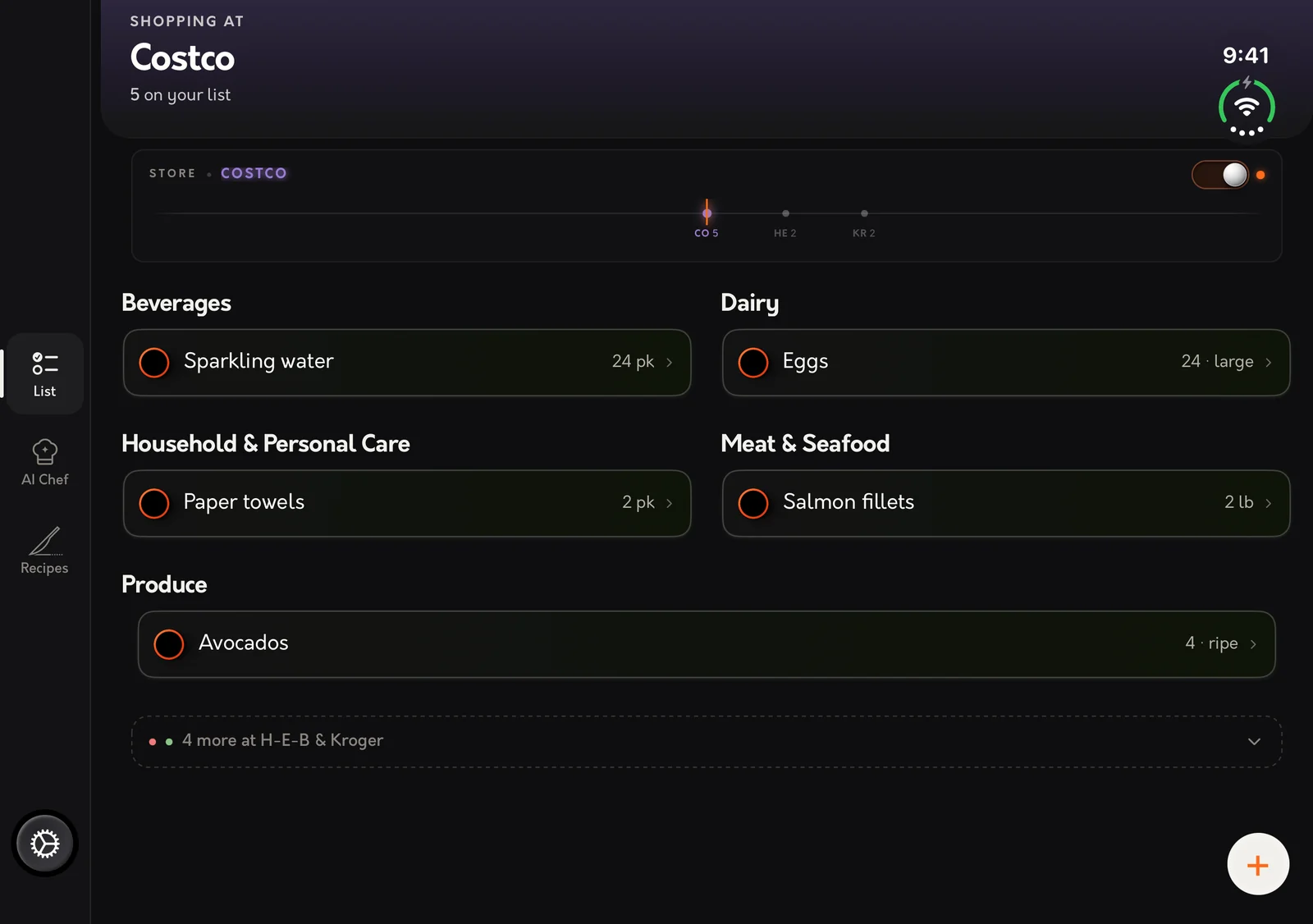
Closed or open. It fits. Shut, it’s the GrocGo you know. Open, your aisles spread across the screen, and the item you tap opens beside your list.
Your AI Chef, wider. Open, AI Chef’s tools spread out. Tap one and it opens beside the cards.
Cookbook and recipe. Open, your cookbook fills the screen. Tap a recipe and it opens beside it.
Half-open for cooking. Cooking mode splits at the fold: the step above, what’s next below.
Apple Watch
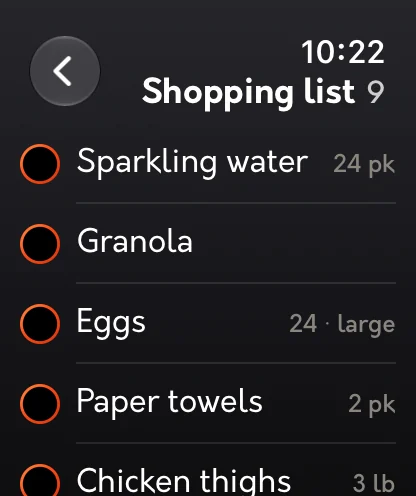
Your list. On your wrist.
See your GrocGo list on Apple Watch and check items off as you shop.
Everything in GrocGo.
List
- Sorted by aisle, automatically
- Amount, size or note
- Store tags: where to buy
- Store tuner: only what to buy there
- Tunes itself at a saved store
AI Chef
- Budget meal plans
- Cook your way
- Link to recipe: sites and videos
- Share from TikTok, Instagram, YouTube
Recipes
- Your cookbook
- Cost estimates
- Nutrition facts
- Add ingredients to your list
- Step-by-step cooking with timers
- Steps read aloud
…and more.
See GrocGo up close.
Drag to look around. Tap a picture to open it.

Your AI Chef. Your shopping list. Recipes ready to go.
Free to download for iPhone, iPhone Duo and Apple Watch. Android is coming soon.
Follow GrocGo
Questions? support@grocgo.app